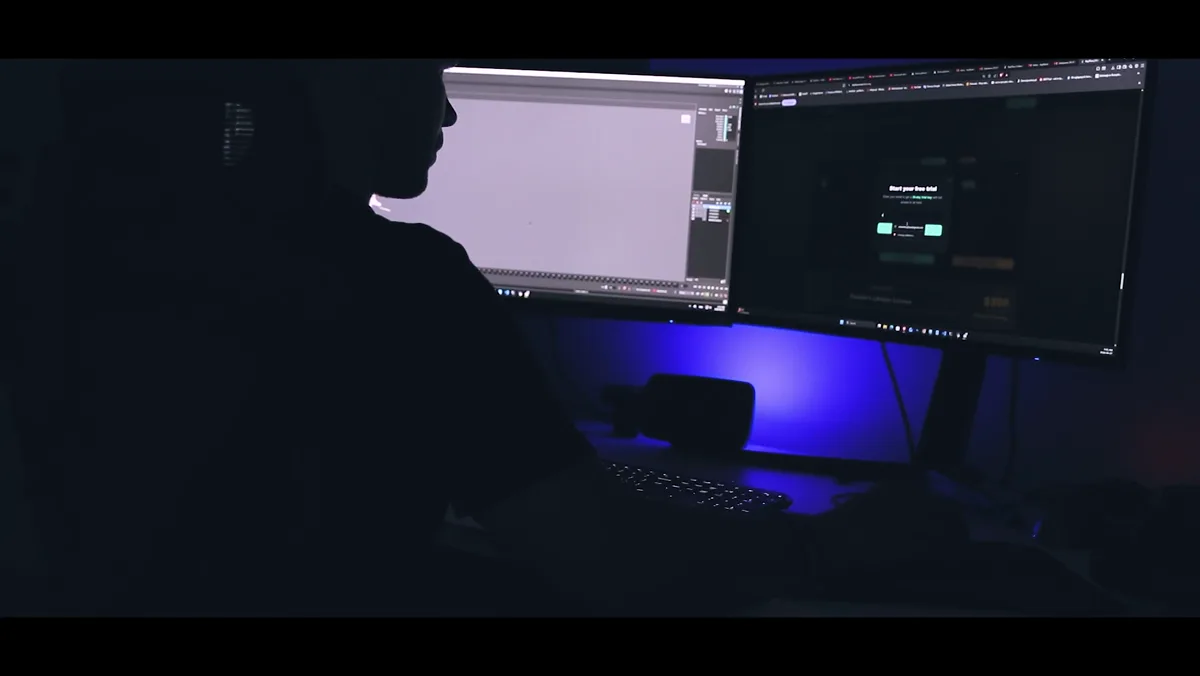
A complete production workflow. A video review studio for any artist on one side, a professional Maya toolkit for animators on the other. Free, everything included.
Standalone desktop app for video reference and team review. A/B wipe, frame annotations, screen capture, trim & export, URL import, send to Maya & Blender, live sessions over LAN, web relay or your own private server.
A smart dock that lives above your timeline. 25+ animator-built tools including SelSet, Mirror, RelativeSpace, PlayblastTool and Maya-to-Maya quick send. All native to Maya, all one click away.
A self-hosted review studio that lives in your shop, not someone else's cloud. Compare takes, annotate frames, capture screen, run live sessions, from blocking dailies to client review.
Compare any two clips with independent in/out ranges. Wipe splits A|B with a draggable divider. Overlay layers A over B with adjustable opacity. Difference highlights every changed pixel. Onion Skin tints A red and B blue for frame-by-frame comparison. RMB cycles modes, Scroll controls split/opacity, MMB swaps A↔B, P toggles ping-pong. Full transport, frame timeline, audio waveform, and speed presets.
Direct sync between apps over LAN or internet. The host can grant full playback control to any participant. Stream to any browser via WebShare with no app needed. Viewers watch and draw in real time, view-only by default. Chat, remote cursors, flag and approve, all built in.
Brush, text, shapes with color and size controls. Ghost strokes from neighboring frames, undo/redo, frame bookmarks with notes, and annotation markers on the timeline.
Full screen, region or window at 15/24/30 fps. Mic audio, countdown timer, cursor visualization. Webcam overlay, voice-over commentary onto frames. Recording auto-loads into the player for instant review.
Export your selected range and create an image plane attached to the active camera. Scene FPS is set to match automatically. Works with Maya and Blender when KeyFlow Tools are installed. If the app is not connected, the export folder opens instead.
Import video directly from any URL. Set in/out range, trim to the frames you need, and export as MP4, GIF, or image sequence. No download step, no separate tools.
Export as MP4, AVI, GIF or PNG/JPG sequences. Set in/out trim range, burn annotations into video, generate PDF or HTML reports. Compress and send via email, upload to Google Drive, or generate a share link.
From blocking to polish, every tool feels native to Maya. Custom dock above the timeline, smart tooltips with GIF previews, and a search dialog that highlights the tool you need.
Fast file operations: open, save, import scenes and browse project folders.
Transfer meshes, cameras, lights and locators between Maya sessions via a shared temp file.

Take a Snapshot and Mirror pose / animation.
Copy & Paste Transforms in Relative Space, storing each object's transform relative to the last selected object.
Visual pose library, save, organize and apply poses with thumbnails and blend control.

Bake-safe space switching between parents (World / Object / Custom).

Temporarily moves and edits an object's pivot without changing its actual transform.
Save, manage, and reuse object selections.
Fast copy/paste animation across scenes and Maya sessions.

Fast animation bake with clean constraints and animLayers.
Stick the camera to the object, follow, export/import cameras with animation and settings.
Bake animation to locators, polish motion, bake back safely.
Match transforms between objects (World or Local).
Create, play and manage playblasts directly from the viewport.
Procedural shake for cameras, muscles and rigs. Multi-octave noise on translate/rotate with layer-safe baking.
KFlowTrail, ATween, SmoothSharp, FootSlide Fix, EulerSmart, TrimShiftKEYS and more.
Studio: KeyFlow Studio is a standalone desktop app included in the same download. Run the quick installer and you’re set.
Maya: Grab the latest version from keyflow.tools. One ZIP file, no installer needed.
Studio: Open KeyFlow Studio from the KeyFlowStudio folder, or launch it directly from the KeyFlow dock bar inside Maya.
Maya: Drag the install script into Maya’s viewport. A shelf icon appears automatically.
Studio: Play references, capture your screen, trim videos, annotate frames, and share feedback with your team, all in one app.
Maya: Click the shelf icon, the KeyFlow dock opens. All 25+ tools ready. Start animating faster.
KeyFlow Studio’s Live Session lets you review together in real time. Synced timeline, annotations, chat, and approvals. Choose how you connect:
Direct connection within your local network. Zero configuration, lowest latency. Just enter the host’s local IP and you’re in.
Best for on-site teamsConnect over the internet through the public KeyFlow relay server. No setup needed, enter the relay address, get a room code, and share it with your team.
Best for freelancers & small teamsHost your own relay server on company infrastructure. Full control over data. Nothing leaves your network. One-command install on Linux or Windows.
Best for studios & enterpriseTwo apps, one workflow. KeyFlow Studio handles video reference, screen capture, annotations and real-time team review. KeyFlow Tools brings 25+ animator-built tools to Maya through a smart dock with instant access, live status and search.
Custom dock UI with optional undock, pinned favorites, drag-reorder shelves, and search dialog with instant tool highlighting.
Speech-bubble tooltips with GIF previews, keyboard shortcut display, usage tracking, and Maya-selection aware tips. Learn tools as you use them.
Stay current with one-click updates delivered straight to the dock bar. Got an idea to make something better? The built-in feedback system lets you share suggestions, report issues, or request features directly from the app. We read every message.
Personal shortcut shelf with drag-and-drop ordering for your most-used tools. Quick Folder Browser gives you instant access to saved folder paths, side-by-side file comparison between directories, fast search across deep folder structures, and one-click shortcut creation. Navigate your project files without leaving Maya.
Standalone desktop app for video reference and review. A/B wipe comparison, loop ranges, trim and export, frame bookmarks, annotations, audio waveforms, webcam overlay, screen capture with cursor visualization, and multi-format export (MP4, AVI, GIF, PNG/JPG sequences).
Real-time collaborative review over LAN or internet. Synced timeline, remote cursors with names, chat, drawing tools, flag and approve shots. Viewers can join from any browser via WebShare. Studios can host a private relay server on their own infrastructure for full data control with a single-command install.
Capture full screen, region, or window at 15/24/30/60 fps. Mic audio, countdown timer, cursor and click visualization. Recording auto-loads into the player for instant review.
Compress and send via email, upload to Google Drive, or generate a share link. Export annotated frames as PDF or HTML reports. Import video from any URL for quick reference.
We'd love to hear from you. Used KeyFlow on a project? Share your experience.
KeyFlow is free. Your key is valid for 1 year and includes 4 computer activations. No auto-renewals, when it expires, request a fresh key and keep working.
KeyFlow supports Maya 2021 through 2026 on Windows. Each release is compiled for the specific Python version bundled with that Maya version.
Yes, all updates are included while your key is active. As long as your key is valid, you always have the latest version.
KeyFlow is free right now. You get a key valid for 1 year with full access to all tools, no credit card. Renew your key after a year to keep going.
KeyFlow Studio is a standalone desktop app for video reference and review. Compare takes with A/B wipe, annotate frames, capture your screen, trim and export clips, and collaborate with your team in real-time via Live Session. Connect over LAN, the KeyFlow relay, or host your own private relay server.
Floating seats let your studio share a pool of seats. Install on any number of machines, only concurrent usage counts. E.g. 5 floating seats means any 5 out of 20 team members can use KeyFlow at the same time. Self-service up to 30 seats. Contact us for 30+ seats with custom studio pricing.
Your key is valid for 1 year. Before it expires, request a fresh key with the same email and keep working.
In use by indie studios and freelancers around the world. Animate in Maya, review in Studio, deliver to client. All in one workflow.